
TIME STON-e.coVISUAL TIMER
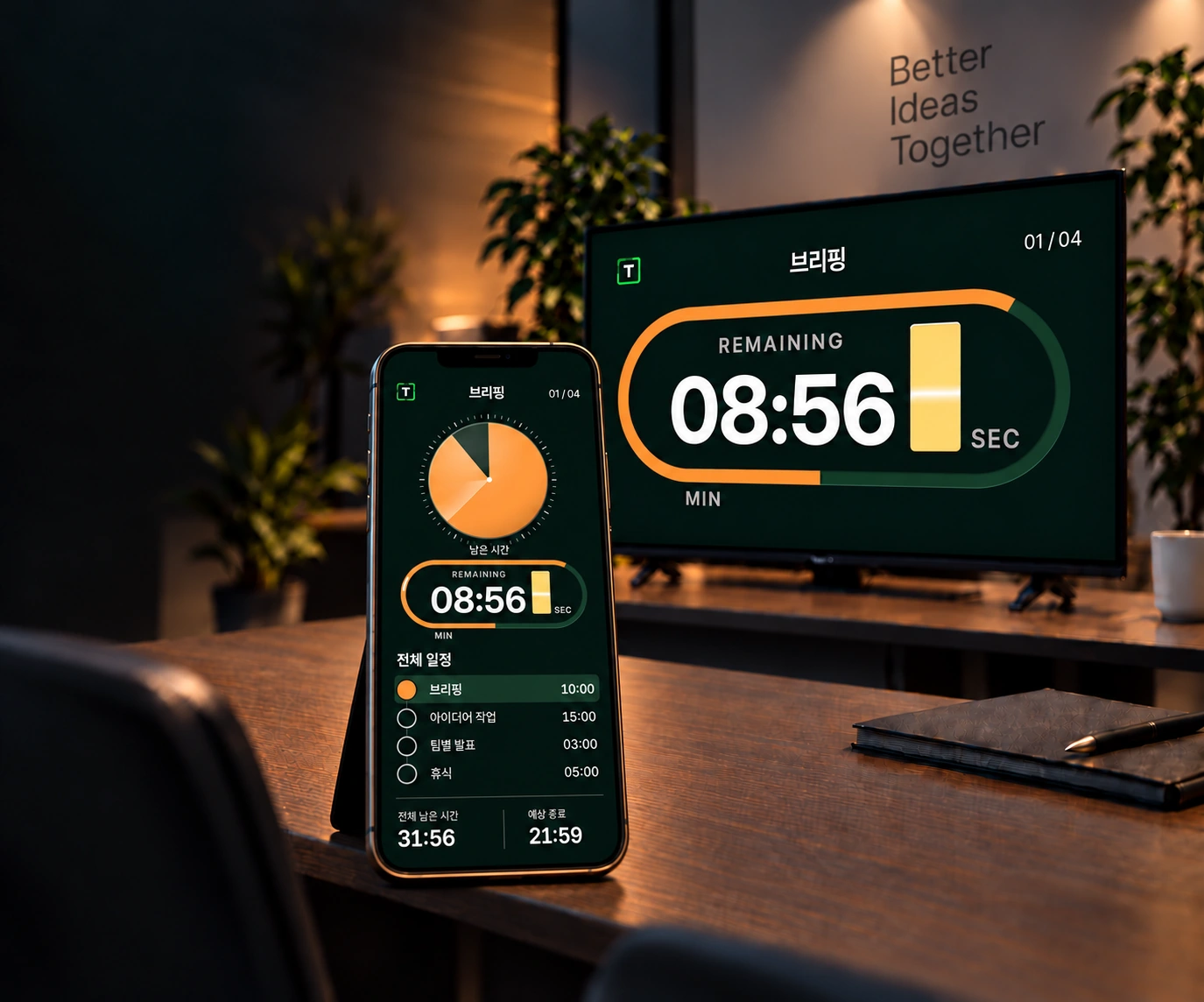
Product-use concept of a phone and a large display sharing a timer in a workshop studio

SHARED STAGE

Share the time.Find your flow.

Lead from your phone.Share the view on a TV or tablet.A timer for workshops and talks.

Public beta · Free on the web

A better flow makesa better conversation.

HOW IT WORKS

One agenda. Everyone in sync.

Three simple steps.Your next session starts here.

  1. 1

    Set the agenda

    Arrange the stages of your workshop or talk.

  2. 2

    Share a QR or link

    Invite participants with a QR code or viewer link.

  3. 3

    Lead together

    Let everyone see the same passage of time.

Save the flow of your workshop.

A good flow helps ideas move forward.Prepare your next session together.

  1. Briefing

    10 min

  2. Ideation

    15 min

  3. Team talks

    3 min

  4. Break

    5 min

SHARED STAGE

Ready to start together?

Start on the web

FAQ

Before your first session

Is it free to use?

The web app is currently a free public beta. Select “Start on the web” to open it. Paid subscriptions and billing are not currently active.

How do participants connect?

Create a session and use the participant invitation to share a QR code or viewer link. Participants can open the same session on an internet-connected TV browser, tablet or phone. Keep the controller link private.

What can I do with the timer?

Set an agenda and durations, start or pause, move to the next stage and adjust time. Choose track, bar or dot graphics, themes, landscape or portrait full-screen views, and participant notices. Session templates and notice history are stored on the device you use.

What about mobile apps and languages?

The web app works on smartphones. The iOS app is in internal TestFlight testing; public store downloads are not yet available. This introduction is available in Korean, English, Japanese and Chinese. The current timer app UI is Korean.